Shared Folder
Cappysan packages store their configuration in a shared folder named Configuration. This folder is created automatically when any Cappysan package is first installed, so manual creation is optional.
Creation
To create the folder in advance:
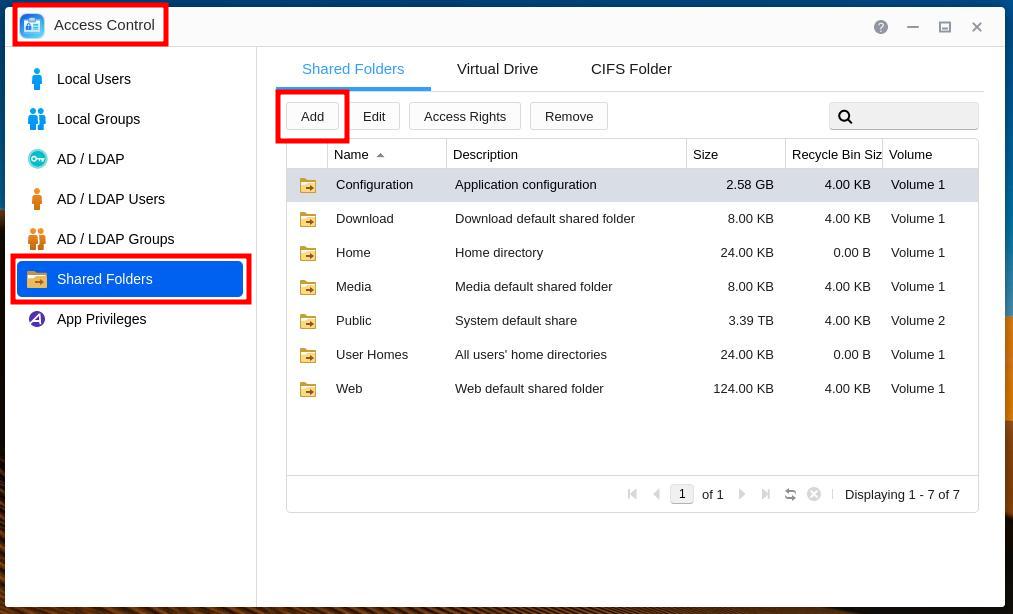
Open Access Control, select Shared Folders, then click Add.
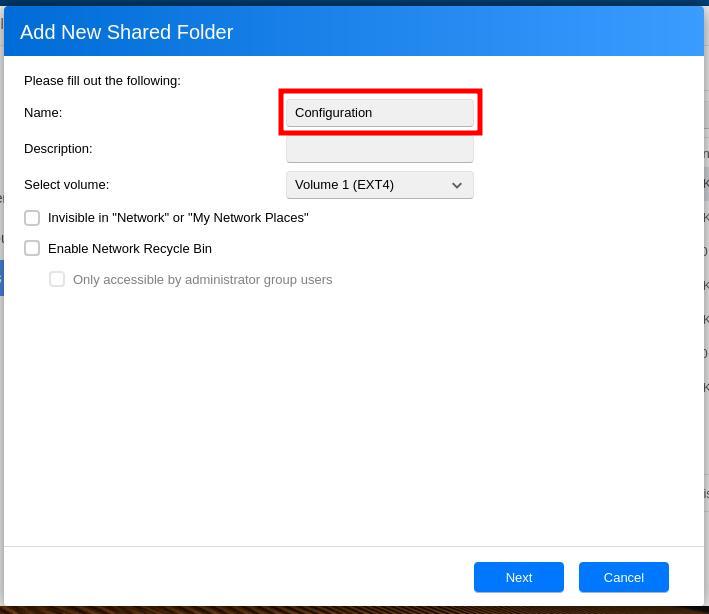
Set the name to “Configuration”, unselect all checkboxes, and select the volume to host it on, then click Next.
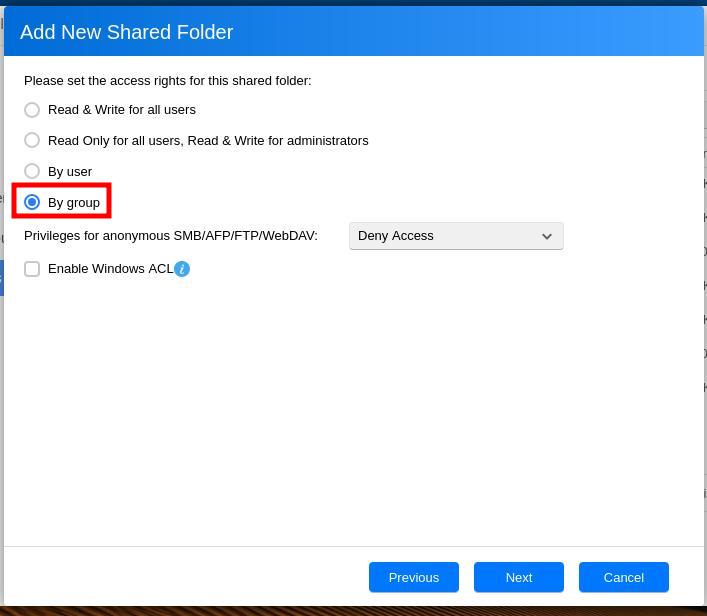
Select By group, then click Next.
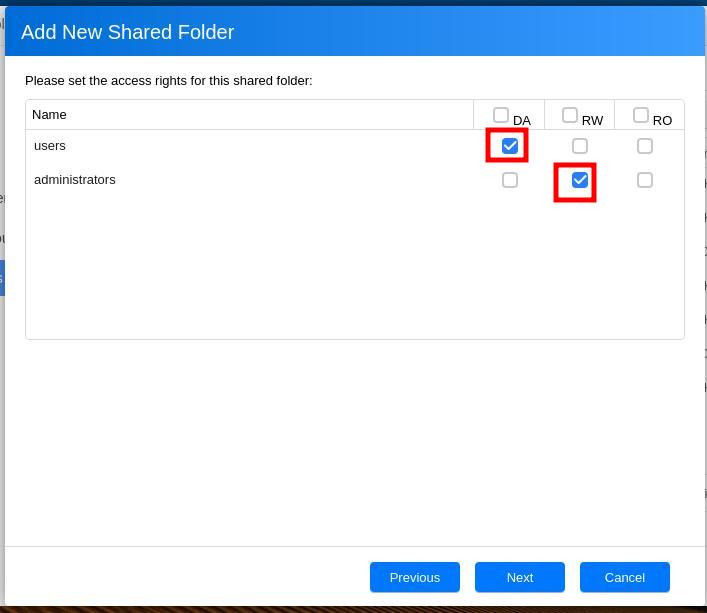
Set permissions so that only yourself and administrators have read/write access, then click Next.
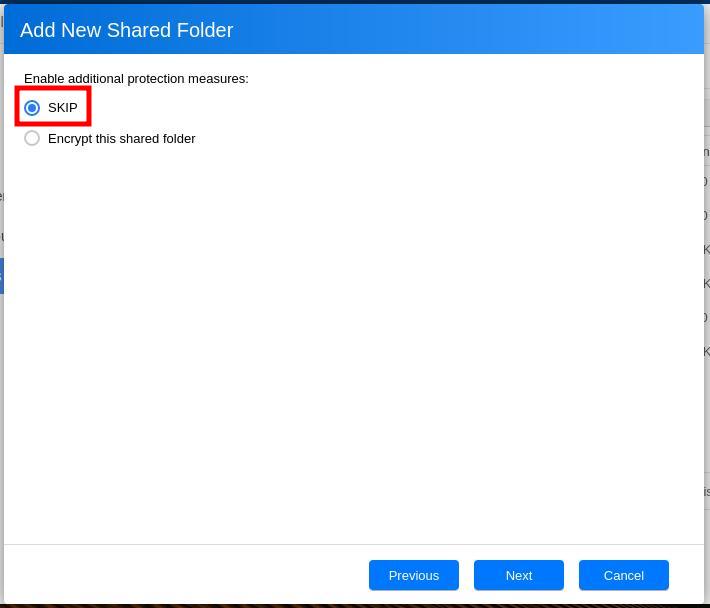
(Optional) Select Encrypt this shared folder if desired, then click Next.
Warning
Encrypting the shared folder has caveats. For example, encrypted folders cannot be mounted via NFS.
Review the settings, then click Next to confirm creation.
See also